
7 Best IT Lifecycle Management Software in 2026
Managing IT assets throughout their lifecycle can be difficult, especially when your company handles hundreds of devices and software licenses.
Many organizations use IT lifecycle management software to track technology assets, from procurement to retirement or replacement. This platform provides a centralized view of all resources, helping you manage everything in one place.
This article reviews the 7 best IT lifecycle management solutions and their key features. You’ll also learn the benefits of using one for your organization.
1. ezOnboard

ezOnboard by CloudView Partners automates IT lifecycle management by integrating your HR systems with on-premises Active Directory or cloud-based Entra ID.
The platform connects every stage of the user journey to IT assets. It instantly reflects system changes in your AD environment based on predetermined business rules.
For example, when your hiring manager adds new employees to the HR software, ezOnboard grants them user access to company systems and SaaS licenses.
When an employee changes roles or receives a promotion, the software adjusts permissions in real time. That means assets always match employee status.
During offboarding, ezOnboard automatically revokes access and reclaims software licenses. This protects sensitive data, reduces security risks, and gives your IT team better control over SaaS spending.
ezOnboard even offers full visibility into all AD changes, making it easier to track the entire IT lifecycle and prove your cybersecurity compliance.
Key Features
- HR to AD integration: Approved HR system changes instantly reflect in Active Directory (Entra ID). This ensures users can access IT assets based on their role, status, or other attributes.
- Automated onboarding and offboarding: Identity creation, user provisioning, access management, and de-provisioning all happen instantaneously to simplify IT and account lifecycle management.
- Software license reclamation: Track unused licenses and reclaim them during offboarding or role change to reduce waste.
- Custom notifications and reports: These provide full visibility and control over Active Directory changes.
- Integrated professional services: Experts will deploy ezOnboard in your complex IT environment to ensure you get results.
Request a demo today to automate IT lifecycle management! You can also check this ROI calculator to see how much money you can save with ezOnboard.
2. ServiceNow IT Asset Management

Source: ServiceNow.com
ServiceNow is an IT asset management (ITAM) solution that helps you manage the entire lifecycle of IT assets. It provides a central repository where you can track every tool’s status, usage, configuration, and cost.
Built-in automated workflows handle common tasks like purchase, deployment, service, and retirement automatically.
The tool also generates actionable insights into IT asset costs, usage, and compliance using artificial intelligence.
Plus, ServiceNow ITAM provides guided actions to simplify renewal management for your hardware and software contracts.
Key Features
- Automated lifecycle workflows: Improve operational efficiency by automating every stage of the asset lifecycle, from access requests to asset retirement.
- Hardware and software management: Track all hardware, software, and cloud licenses in one platform.
- AI-powered insights: Use AI and native intelligence to surface asset usage, cost, and risk insights.
- Contract and renewal management: Follow guided actions to manage asset contract renewals without lapses.
- Seamless integrations: ServiceNow easily connects to third-party applications for better visibility and control of your assets.
3. ManageEngine Asset Explorer

Source: ManageEngine.com
ManageEngine Asset Explorer is another ITAM software that provides full visibility and control over your assets. It lets you design asset lifecycles and ITAM processes using drag-and-drop tools.
Additionally, the platform automatically discovers hardware and software across your network through agent-based and agentless methods. Meanwhile, integration with barcode, QR code, and RFID scanners ensures real-time inventorying.
Asset Explorer also includes a purchase order and contract management system. This helps you effectively manage the key stages of the asset lifecycle, from procurement and renewals to IT disposal.
Aside from these capabilities, Asset Explorer uses a single source of truth for enterprise-wide configuration items. It simplifies root-cause analysis and impact monitoring.
Key Features
- Visual asset lifecycles: Design unique lifecycles and workflows for each asset using a drag-and-drop canvas.
- Automated discovery and inventorying: Agent-based and agentless discovery methods scan your IT environment for hardware and software details without manual tracking.
- Purchase and contract management: Handle purchase orders, vendor contracts, and renewal alerts.
- Configuration management: View all enterprise configuration items and their relationships from a unified platform.
- Built-in reports: Live dashboards with illustrative charts and graphs help you track asset metrics and regulatory compliance.
4. SolarWinds Service Desk

Source: SolarWinds.com
SolarWinds Service Desk offers a unified IT service management and asset lifecycle solution. It provides a comprehensive view of all your resources throughout their lifespan, from procurement to inventory management and equipment retirement.
By effectively tracking and maintaining IT assets, you can reduce costs and elevate service or project delivery across your organization.
Within the platform, you can link assets directly to onboarding tickets and security incidents to improve troubleshooting and resolution times. You also identify and address recurring issues, which minimizes downtime and ensures business continuity.
SolarWinds Service Desk even documents and integrates all assets into your change management process. This helps your IT team make informed procurement and purchasing decisions.
Key Features
- IT lifecycle management: Track every asset from procurement through retirement to give you full lifecycle visibility.
- Incident management: Connect assets to service tickets so IT teams can resolve issues faster. Real-time collaboration ensures end users are updated on ticket status.
- Automated asset discovery: Identify hardware, software, and devices across your network without manual intervention.
- Change management: Maintain a history of all asset and user changes to improve decision-making and reduce risks during compliance audits.
- AI integration: Artificial intelligence answers questions, prioritizes tickets based on urgency, and surfaces recommendations based on ticket content.
5. Deel IT
Source: Deel.com
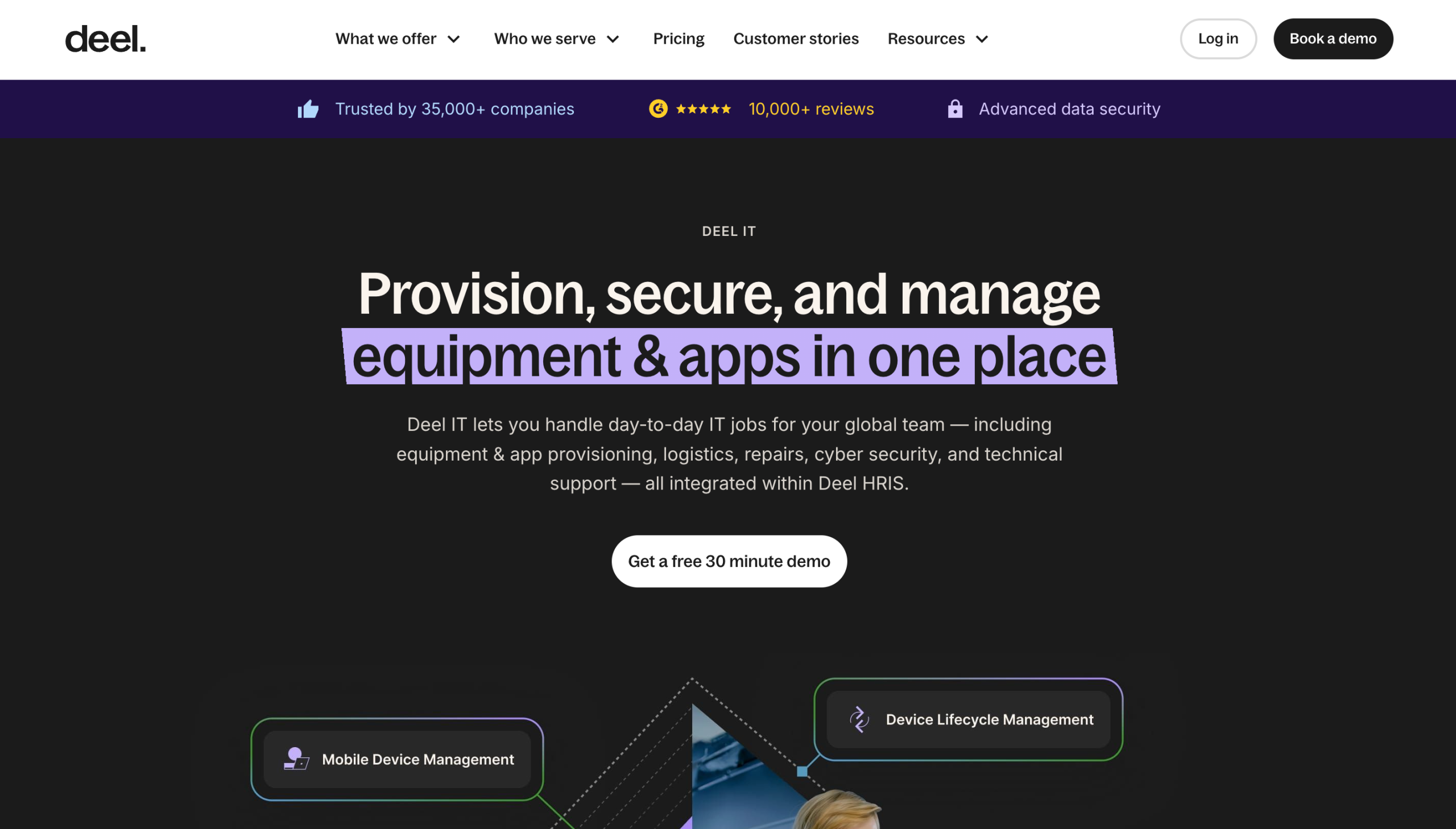
Deel IT integrates the entire device lifecycle into a unified platform. It helps you manage delivery, configuration, deployment, storage, and disposal in one seamless flow.
For global organizations, this tool helps you buy, lease, and ship preconfigured devices while meeting regulatory requirements. It reduces logistics burdens and ensures compliance across 130+ countries.
Deel IT also handles asset recovery during offboarding. It takes care of device reconditioning and storage for working equipment to maximize its lifespan.
When a device reaches the end of its usable life, the platform securely erases data and destroys the equipment.
It even connects workforce data from Deel HR to IT provisioning systems. This ensures that every hire, exit, and change is synced across systems.
Key Features
- Equipment deployment: Procure, configure, deploy, and secure devices for new employees across 130+ countries.
- Device lifecycle management: Oversee the full lifecycle of every device to resolve issues quickly and get the most life out of equipment.
- Automated recovery: Deel IT handles the device retrieval process, reconditioning, and storage for your internal team.
- Secure and compliant disposal: Devices are wiped, destroyed, or recycled safely when they reach the end of life.
- HR-IT integration: The platform integrates with Deel HR to automate technology onboarding, offboarding, and device enrollment.
6. Ivanti Neurons for ITAM
Source: Ivanti.com
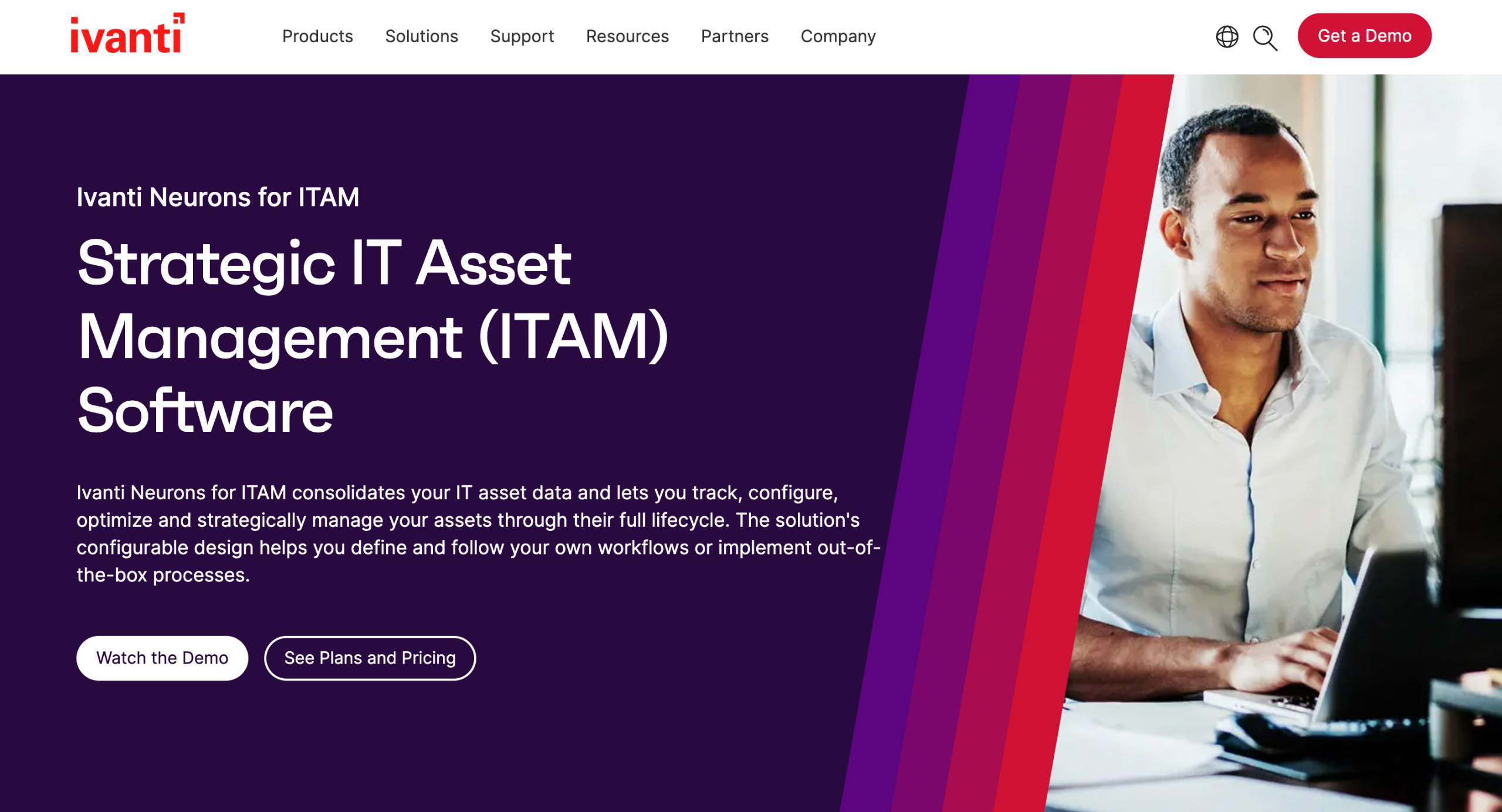
Ivanti Neurons for ITAM helps you manage and track assets through their entire lifecycle. It provides a centralized repository where you can record all asset information, including identifying data, lifecycle status, location, and even warranty information.
Meanwhile, the built-in product catalog lets you see current stock levels or active purchase orders. This speeds up device provisioning while reducing service desk calls.
Need to add new equipment or retrieve data from existing assets? Ivanti’s integrated barcode scanning can instantly look up or modify device information.
Plus, real-time dashboards report on IT spending, asset age, and value. These insights help you make informed decisions for contract negotiations.
Key Features
- Lifecycle tracking: Manage all your assets from procurement to invoicing, deployment, and disposal.
- Asset repository: Store detailed asset records, including lifecycle status, location, warranty, and ownership.
- Product catalog: Track approved asset items, stock levels, and active orders for faster provisioning.
- Barcode scanning: Enable mobile scanning of multiple assets to update or retrieve information in real time.
- Cost and contract visibility: Receive real-time insights into IT spend, asset age, value, and related contracts to support budgeting and renewal planning.
7. Flexera One
Source: Flexera.com
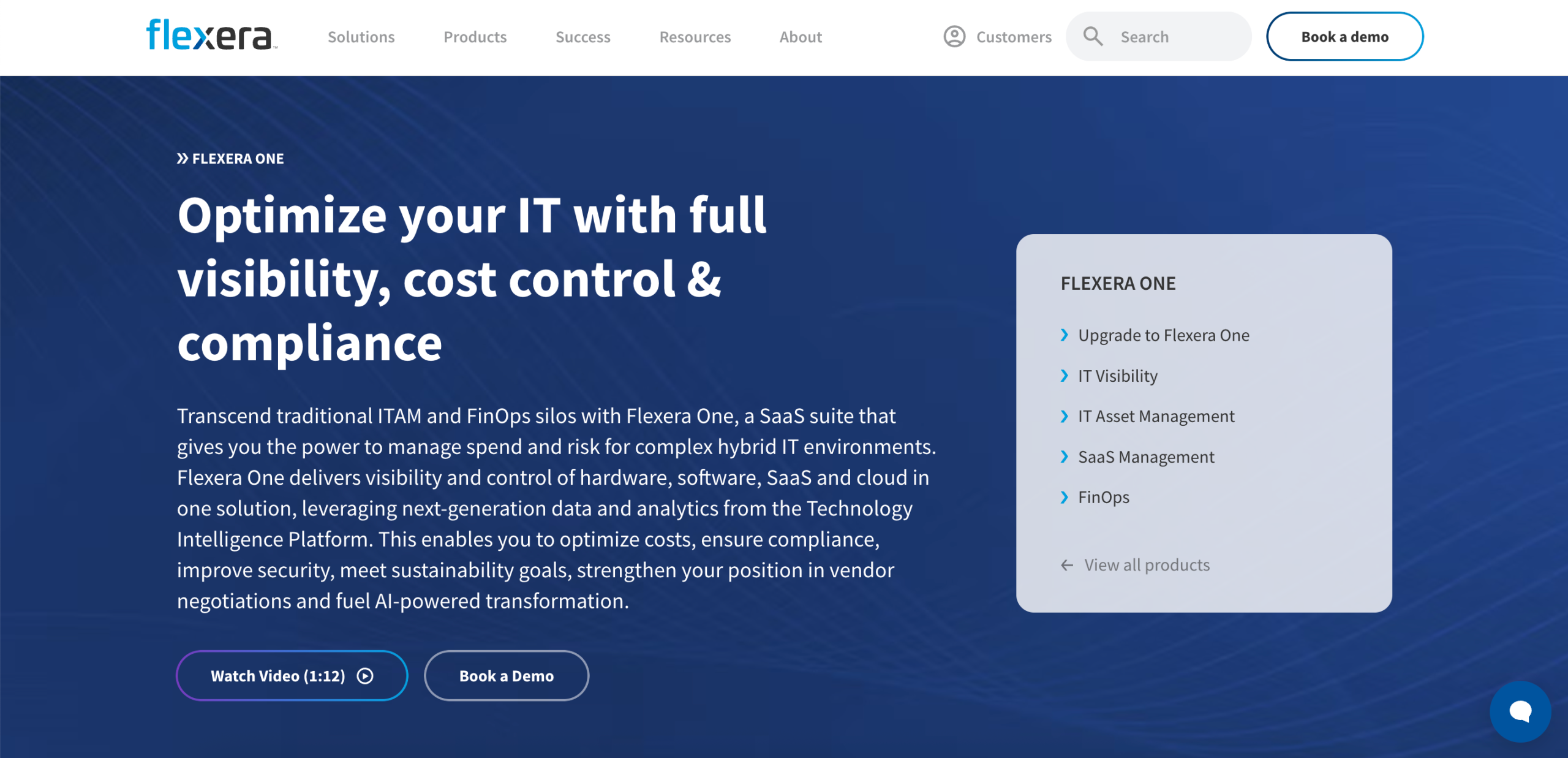
Flexera One offers real-time visibility and control of software, hardware, SaaS, and cloud directories across their full lifecycle. This helps you reduce costs, enhance security, ensure compliance, and meet sustainability goals.
The platform instantly detects end-of-life software licenses and retires them to prevent security incidents.
For hardware lifecycle management, it augments your existing inventory data with additional context (business unit, role, and warranty expiration dates) to make the most out of your hardware investments.
Flexera One also provides a complete picture of SaaS usage. This optimizes software spending with all your vendors, including ServiceNow, Salesforce, Workday, and Microsoft.
Key Features
- Asset lifecycle management: Track hardware, software, SaaS, and cloud assets, from acquisition through retirement, in one platform.
- Cloud cost optimization: Optimize cloud spending across different providers.
- Hardware and software asset management: Oversee both hardware and software entitlements to ensure efficient resource allocation, enhance security, and avoid waste.
- SaaS spend management: Control all your SaaS subscriptions, including contracts, usage, and data security.
- Advanced analytics: Flexera One delivers data-driven insights into asset usage, risk, cost, and vendor negotiations to help you make smarter decisions.
Benefits of Using IT Lifecycle Management Software
Below are the key benefits of IT lifecycle management software:
Streamline IT Asset Tracking
IT lifecycle management software helps you track assets from the moment you buy them until you retire them.
It provides clear records of ownership, status, and location. This allows your IT team to deliver support or asset replacement at a rapid pace.
The right platform also updates data without extra steps, which helps improve efficiency across your organization.
Optimize Resource Utilization
Lifecycle tools show active resources, idle assets, and duplicate purchases. This helps you match technology investments to actual business needs instead of buying more than you need.
You also avoid waste and identify old or inefficient devices that slow down your team’s work. You make the most out of assets while making sure users are supported.
Reduce Operational Costs
Lifecycle management software minimizes costs by helping you retire old assets at the right time, reclaim unused licenses, and fix issues before they grow.
It also automates repetitive and time-consuming tasks. This prevents the need to hire more people and relieves pressure on your IT team to work longer hours, which costs your business money.
Improve Compliance and Audit Readiness
A strong asset lifecycle management system helps you stay ready for compliance audits. It stores accurate records of purchases, licenses, assignments, and retirement events.
This way, you can quickly pull reports and avoid scrambling for missing data. You also reduce risk by knowing which devices need updates or patches. This keeps your IT systems safer and compliant, which helps you avoid regulatory fines.
Automate End-of-Life Processes
End-of-life tasks take time when done manually. Lifecycle software automates these steps so you can retire, recycle, or replace assets without chaos.
You simply set clear rules and workflows. The system automatically handles alerts, updates, and tracking. This leads to cleaner records and faster handoffs between teams.
Automation also supports continuous improvement by providing accurate data on the lifespan of assets and when they should be replaced. You avoid surprises, reduce delays, and protect sensitive data.
Criteria for Choosing the Right IT Lifecycle Management Software
Here are the key elements and factors to consider when evaluating different IT lifecycle management solutions.
Asset Lifecycle Coverage
Choose software that covers every stage of an asset’s lifecycle. Check if it can record purchase data, track deployment, log usage, and manage equipment retirement from one platform.
Make sure the system connects each asset to user identities so ownership stays clear. This also helps your IT team update records quickly and avoid security gaps.
Automated Workflows
Automation saves time and reduces mistakes. Look for software that can create accounts, assign the right access, reclaim licenses, and retire devices without manual intervention.
Strong automation helps you avoid repetitive work and stay focused on activities that support business growth.
It also simplifies onboarding and access tasks, allowing new users to contribute quickly from the start. Meanwhile, offboarding happens instantaneously to protect sensitive data and improve organizational security.
Integration Capabilities
The best IT lifecycle tools connect to your HR tech stacks, directory services, ticketing systems, and other specialized tools you use daily.
Seamless integrations help you transfer data between tools without manual entry. This reduces errors while improving your ability to manage assets and multiple projects with less effort.
Reporting and Analytics Features
Reports break down what assets you own, how they are used, and what needs attention. Meanwhile, analytics track spending, replacement cycles, and device age.
Choose IT lifecycle management software with clear reporting dashboards, visual charts, and quick export options. These provide the necessary insights to plan ahead and avoid surprises.
Scalability
The best IT lifecycle management tools support your organization’s expansion. Invest in a platform that can handle more devices, more locations, and different asset types over time.
Check if it also adapts to new hardware, cloud services, and SaaS tools with ease.
By using a scalable solution from the start, you avoid changing platforms in the future. You can focus on business and revenue growth without worrying about slowdowns or compatibility issues.
Vendor Support
Reliable vendor support matters when your IT team faces issues with the lifecycle management tool.
Make sure the software provider is accessible via call, text, or email. You should also consider the training materials and documentation they provide to ensure you can use the platform without requiring a complex setup.
Better yet, choose platforms like ezOnboard, which offer direct access to an expert team. These professionals will take care of deployment to ensure you get results.
Pricing and Return on Investment
Choose IT lifecycle management software that matches your budget and provides value over time. Some higher-tier plans include more advanced features, which can justify their cost.
However, avoid platforms with hidden fees or those that charge extra when your business grows.
The right tool should give you a clear return by cutting manual work, reducing security risks, and lowering costs.
User Feedback
User reviews help you understand how the software performs in real life.
Analyze feedback from IT managers who run similar environments. Check their comments on speed, support, ease of use, and customer support reliability.
Pay close attention to both positive and negative reviews. These help you decide whether the tool meets your needs or not.
Automate IT Lifecycle Management With ezOnboard
ezOnboard by CloudView Partners integrates your HR system with Active Directory (Entra ID) to automate IT lifecycle updates.
As soon as a new employee is added, the platform assigns the correct devices and tools based on the user’s role.
When someone gets promoted, changes departments, or leaves your company, ezOnboard instantly revokes access and reclaims licenses.

With ezOnboard, every stage of the employee journey is connected to IT systems. This provides real-time visibility into what’s assigned, who uses certain assets, and when they should be retired.
Custom notifications and reports help you reduce security risks, maintain compliance, and regain control of your SaaS spend.
Schedule a demo today to get started, or check this ROI calculator to see how much money you can save with ezOnboard!
FAQs About IT Lifecycle Management Software
What is lifecycle management software?
Lifecycle management software helps organizations track IT assets, from purchase to retirement. It records ownership, usage, updates, and disposal steps.
What is ALM vs. PLM?
Application lifecycle management (ALM) focuses on software development, testing, release, and ongoing updates.
On the other hand, product lifecycle management (PLM) tracks the lifecycle of a physical product, from conception to disposal. Many organizations rely on PLM software to streamline product development, accelerate innovation, and improve process control.
What’s the best IT management software?
The best IT management software depends on your team’s size, budget, and goals. ezOnboard is a great choice for lifecycle management as well as onboarding and offboarding.
What is software lifecycle management?
Software lifecycle management is a systematic approach to tracking the lifecycle of software assets. It covers project planning, buying, installing, updating, monitoring, and retiring apps. This helps IT teams track licenses, usage, and security needs.

See Your Cost Savings With EzOnboard
See how much you can save on IT onboarding and offboarding with ezOnboard


Call
(732) 755-0805
info@cloudviewpartners.com
ezonboard@sanjaym.sg-host.com